Business · 5 min read
The Ultimate Small Business Website Launch Checklist for UK Businesses

Oasis Web Services

Launching a new website is exciting. It is also the moment when everyone is so keen to hit "publish" that the boring-but-vital bits get skipped, a bit like moving house and forgetting to tell the post office. A missed redirect, a contact form that sends nowhere or a missing privacy policy can quietly cost you enquiries and rankings from day one.
This checklist covers what we check on every site before it goes live. Work through it section by section, or hand it to whoever is building your site and ask them to tick it off with you. Biscuits optional, but recommended.
1. Mobile works properly
Most visitors to a small business website arrive on a phone, and Google ranks your site based on its mobile version. "It shrinks to fit" is not enough.
- Text is easy to read without zooming
- Buttons and links are big enough to tap, with space between them
- Forms are quick to fill in on a phone, with the right keyboard for email and phone fields
- Images resize cleanly and nothing overlaps or runs off the screen
- The menu opens, closes and works with one thumb
Test on a real phone, not just a narrow browser window. Try it on mobile data too, not only on your office Wi-Fi. Your customers are not all sitting next to your router.
2. Pages load fast
Slow pages lose visitors before they have seen what you offer. Check every key page with PageSpeed Insights (opens in a new tab), which is free and uses the same speed measures Google looks at.
- Images are compressed and served in modern formats such as WebP or AVIF
- Pages are cached and served from a fast host
- Unused scripts, plugins and tracking tags are removed
- Fonts load without making text flash or jump
3. The SEO basics are in place
You do not need to be an SEO expert to launch well, but the foundations need to be there from the start.
- Every page has its own title and meta description that say what the page is about
- Each page has one clear H1 heading, with H2s and H3s in a sensible order
- Web addresses are short and readable, such as
/servicesrather than/page?id=12 - An XML sitemap is published, and the site is added to Google Search Console (opens in a new tab)
- Images have alt text that describes them
- If you are replacing an old site, every old address redirects to its new page
That last point is the one most often missed. Without redirects, links people have shared and pages Google already ranks will lead to error pages.
4. Contact forms actually work
Your contact form is where the website turns into business, so test it as a customer would.
- Send a test enquiry through every form: contact, quote and booking
- Check the email arrives, is easy to read and does not land in spam. A form that sends enquiries into the void is just a very polite "go away" button.
- Make sure the visitor sees a clear thank-you message or page
- Check that spam protection is on, without making real people solve puzzles
Click-to-call phone numbers and email links are worth a test too.
5. Legal pages are included
UK businesses need a few legal pages before collecting any personal data, even just a name and email address from a contact form.
- A privacy policy explaining what data you collect and why
- A cookie policy, plus a cookie banner that asks for consent before any non-essential cookies are set
- Terms and conditions, especially if you sell or take bookings online
The Information Commissioner's Office (ICO) (opens in a new tab) has guidance for small businesses on UK GDPR and cookies.
6. Internal links make sense
Every page should lead somewhere useful. Check the main navigation and footer on every page, link related pages to each other, and make sure no page is a dead end. A visitor reading about a service should always be one click from getting in touch.
7. Content is clear and local
Visitors should understand what you do, who it is for and where you work within a few seconds of landing.
- Say which towns or areas you serve, in plain words
- Use the phrases your customers would search for, such as "plumber in Croydon"
- Keep your business name, address and phone number the same everywhere, including your Google Business Profile
- Read every page out loud once. It is the fastest way to catch clumsy wording, and your colleagues will only look at you strangely for a minute.
8. Security is set up
- An SSL certificate is active and every page loads over
https:// - Old
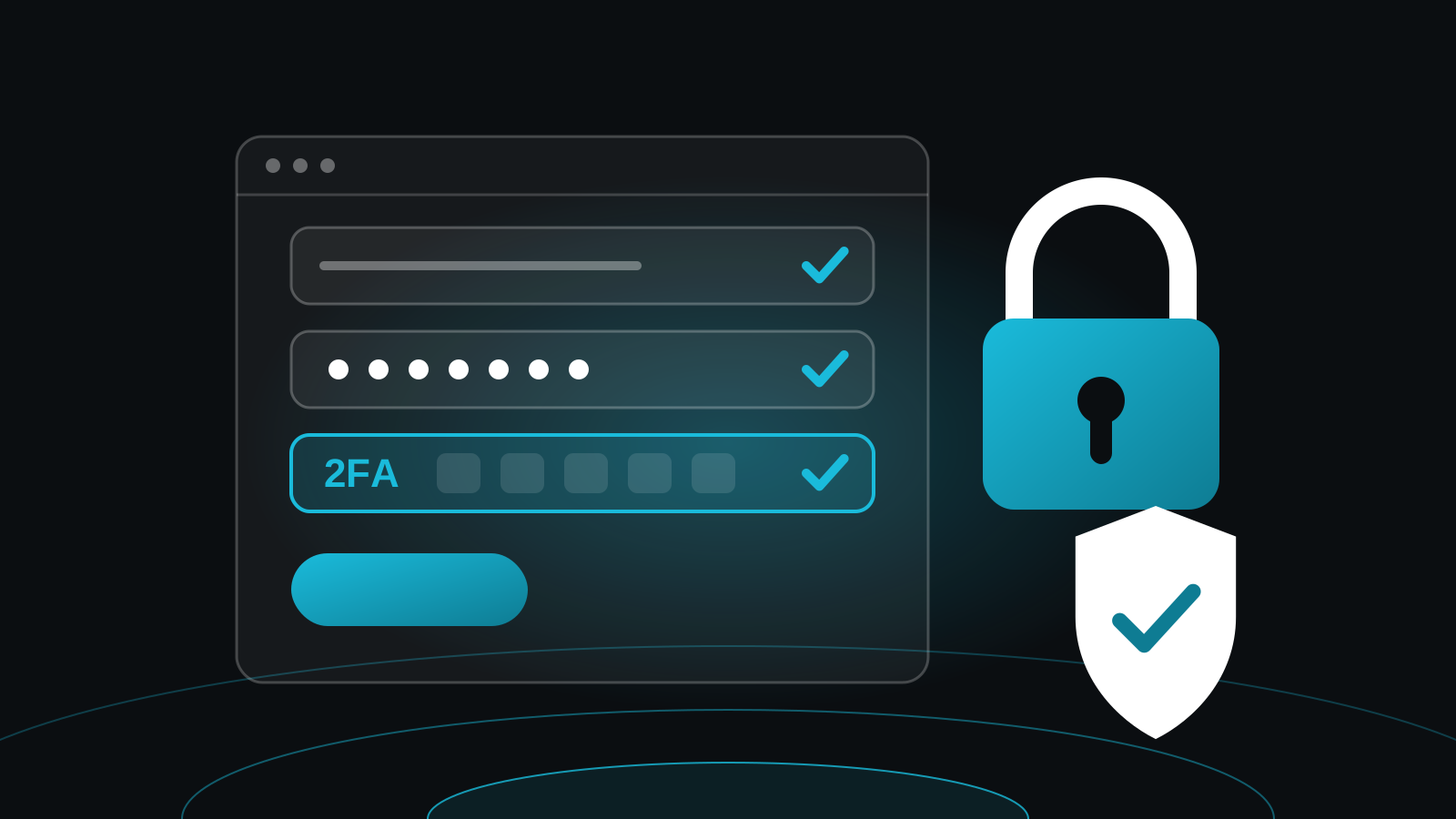
http://addresses redirect to the secure version - Admin logins use strong passwords and two-factor authentication where possible
- Software, themes and plugins are up to date
- Automatic backups are scheduled, and you know how to restore one
9. Tracking and goals are ready
If you cannot measure it, you cannot improve it. Set up analytics before launch so you have data from the first visitor.
- Analytics is installed and respects your cookie banner
- Form submissions are tracked as goals or conversions
- Clicks on your phone number and email address are tracked
- Online sales are tracked if you run a shop
10. Final check before going live
- Proofread every page for spelling, prices and contact details
- Test in Chrome, Safari, Firefox and Edge, on phone, tablet and desktop
- Click every link and button, and check for broken images
- Check your logo, favicon and social sharing previews look right
Why a launch checklist matters
A careful launch means better visibility in search from the start, more enquiries from the visitors you do get, more trust in your business, and fewer fixes in the weeks after going live.
Every website we build goes through this checklist before launch, and it is included in all of our website packages. If you are planning a new site, get in touch and we will take care of it for you.