Development · 4 min read
Progressive Web Apps: The Future of Fast, App-Like Websites in 2026

Oasis Web Services
Customers expect websites to open instantly, work on a patchy signal and feel as smooth as the apps on their phone. Building a separate app for iPhone and Android is out of reach for most small businesses, and asking customers to download an app just to check your opening hours is a big ask. Nobody wants a 200MB app for a sandwich shop. A progressive web app, or PWA, gets you most of the way there for a fraction of the cost.
What is a progressive web app?
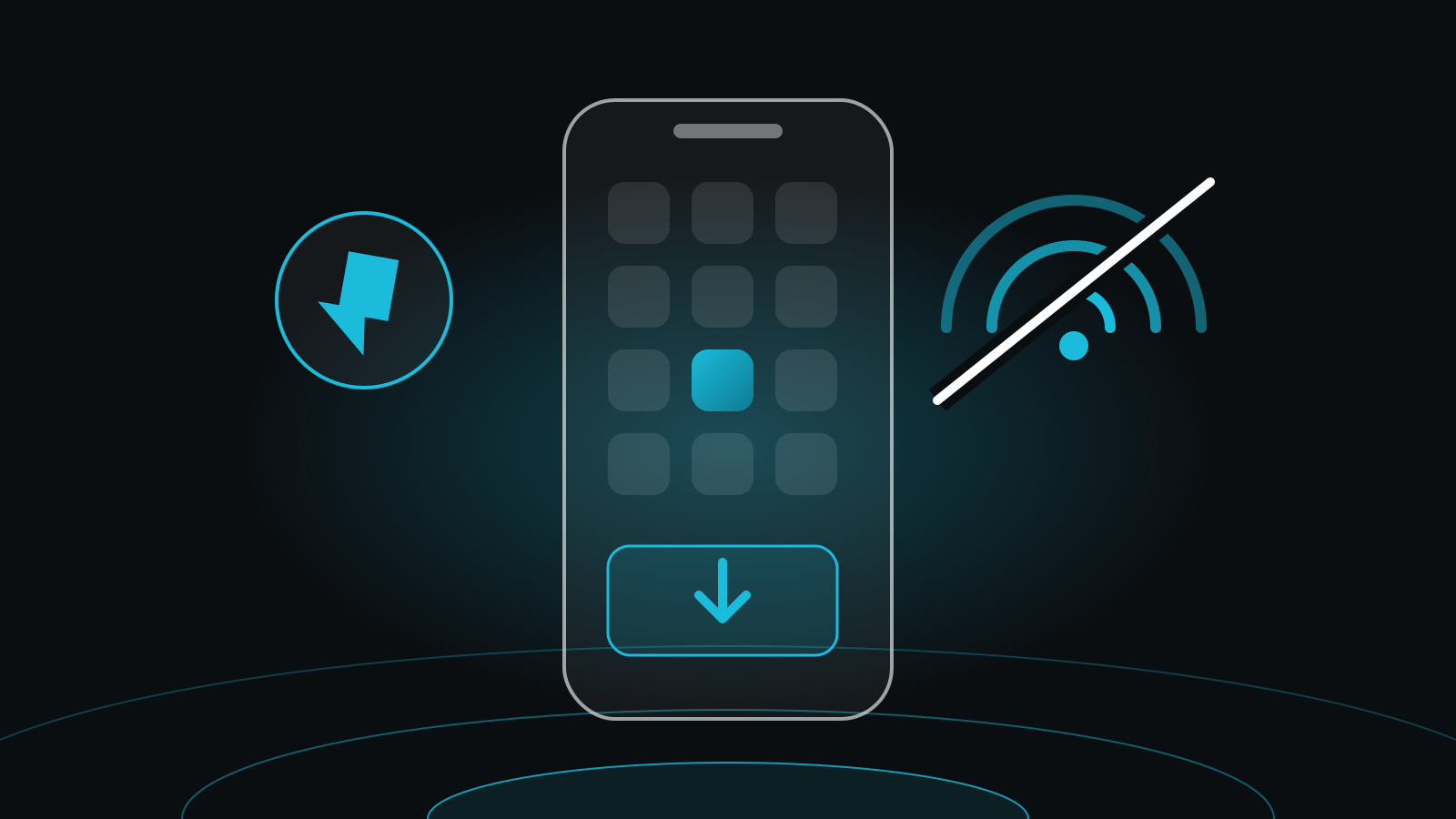
A progressive web app is a website built with modern browser features that let it behave like an app. It still lives at your normal web address and still shows up in Google, but it can also:
- Load almost instantly on repeat visits, because key files are saved on the device
- Keep working, at least in part, when the connection drops
- Be added to a phone's home screen with its own icon, with no app store needed
- Open full screen, without the browser's address bar
- Adapt to any screen, from a small phone to a large monitor
The "progressive" part means it works for everyone. On an older browser it is simply a fast website. On a modern phone it gains the app-like extras.
Why PWAs matter now
Three things have made PWAs a sensible choice for small businesses:
- Speed is commercial. Visitors leave slow sites, and Google uses page experience as a ranking signal. The caching that powers a PWA makes repeat visits very fast.
- Mobile comes first. Most browsing happens on phones, often on the move. A PWA is designed for that from the start.
- People expect reliability. A page that goes blank the moment a train enters a tunnel feels broken, even if the tunnel is technically to blame. A PWA can show saved content and a friendly offline message instead.
PWA vs a traditional website
A traditional website downloads most of its files on every visit. A PWA uses a small script called a service worker to keep the important files on the device, so the next visit starts from memory instead of the network.
| Traditional website | Progressive web app | |
|---|---|---|
| Repeat visits | Downloads most files again | Loads from the device, very fast |
| Poor signal | Often fails to load | Shows saved pages and content |
| Home screen icon | Bookmark only | Installs with its own icon |
PWA vs a native mobile app
Native apps still have a place, but for most small businesses a PWA wins on cost and reach.
- One build instead of three. A PWA covers web, iPhone and Android with one codebase, so it costs less to build and maintain.
- Found in search. Every page of a PWA can rank in Google. App store listings cannot.
- No install barrier. Customers use it straight from a link. Asking people to download an app before they can book or buy loses many of them somewhere between "Get" and "Enter your Apple ID password".
- Instant updates. Changes go live for everyone at once, with no app store review.
The business benefits
- Faster pages, more enquiries. Speed has a direct effect on how many visitors stay, browse and get in touch.
- A better mobile experience. Smooth navigation and big tap targets make it easy to buy or book on a phone.
- Works offline. Menus, price lists, opening hours and saved baskets can stay available without a signal.
- Stay on the home screen. An icon next to the apps customers use every day is a regular reminder of your business.
- Room to grow. A well-built PWA can add features such as accounts, bookings or push notifications later, without a rebuild.
Who PWAs suit best
PWAs are a good fit for businesses whose customers come back often or use their phone on the go:
- Local service businesses, where customers check availability and book
- Restaurants, cafés and venues, with menus and opening times
- Shops with regular customers and repeat orders
- Consultancies and agencies that share resources or client portals
Is a PWA right for every business?
Not always. If your product needs deep access to the phone, such as Bluetooth devices, heavy background processing or advanced camera features, a native app may still be the right call. And for a simple brochure site, a fast, well-built standard website may be all you need.
Choosing the right partner
If you are thinking about a PWA, look for a developer who:
- Explains the options in plain English, without jargon
- Has built for small businesses and understands budgets
- Treats speed, accessibility and SEO as part of the job, not extras
- Asks about your goals before talking about technology
Looking ahead
Browser support for PWAs keeps improving, and more businesses are choosing them over separate apps. For most small businesses, the right answer is a fast, mobile-first website that can grow into a PWA when it makes sense.
Our custom features and web apps add-on covers web apps and progressive web apps. Get in touch and we will tell you honestly whether a PWA is worth it for your business.
Further reading
- Progressive web apps on web.dev (opens in a new tab), Google's guide for developers
- Core Web Vitals and Google Search (opens in a new tab), from Google Search Central